AI Automation: The Definitive Guide
A complete, plain-English guide to AI automation in 2026: what it is, how it differs from RPA and traditional automation, the five building blocks behind every automation, and a step-by-step walkthrough to build your first one.
Adedamola Bademosi · June 25, 2026 · 11 min read
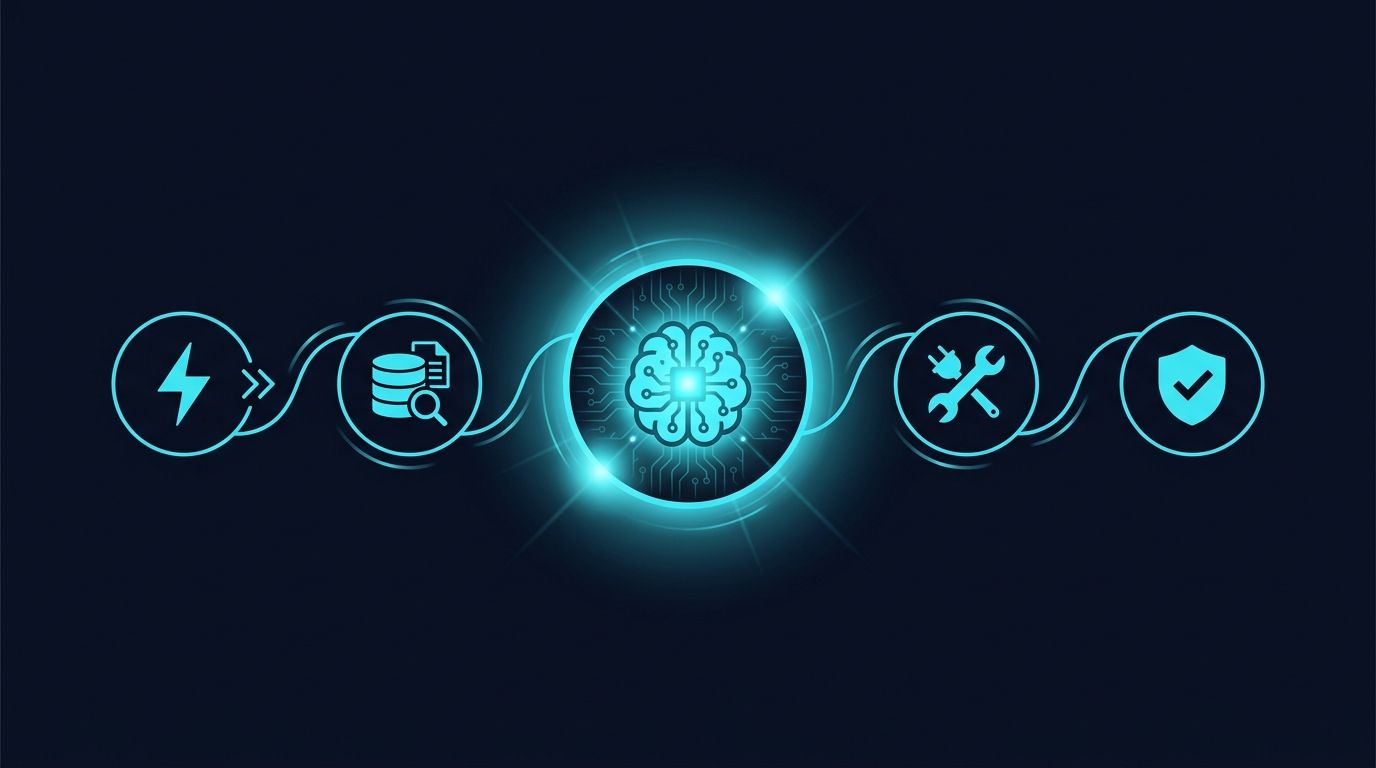
This is a complete guide to AI automation in 2026.
So if you want to understand what AI automation actually is, how it's different from the automation you already know, and exactly how to build your first working automation, you'll love this guide.
Let's dive right in.
What Is AI Automation?
AI automation is the use of artificial intelligence — especially large language models (LLMs) — to carry out tasks that previously required a human to read, decide, or judge.
Traditional automation follows fixed rules: if this exact thing happens, do that exact thing. AI automation handles the messy, in-between work that rules can't describe — reading an email and understanding what it's asking for, summarizing a 40-page contract, deciding which of six departments a support ticket belongs to.
In short: traditional automation moves data around. AI automation understands the data first, then decides what to do with it.
Here's a simple example.
Imagine a refund request comes into your inbox. A traditional automation can detect the word "refund" and forward the email. But it can't tell whether the customer is angry, whether they're actually eligible, or whether they're asking about a refund they already received.
An AI automation reads the message, understands the situation, checks the order in your database, drafts a personalized reply, and flags the angry ones for a human.
Same trigger. Completely different level of capability.
AI Automation vs. RPA vs. Traditional Automation
People mix these three up constantly. So let's clear it up.
What it does — Traditional Automation: Runs rule-based workflows · RPA (Robotic Process Automation): Mimics human clicks across apps · AI Automation: Reads, reasons, and decides
Handles unstructured data? — Traditional Automation: No · RPA (Robotic Process Automation): Barely · AI Automation: Yes (text, images, audio, PDFs)
Adapts to new situations? — Traditional Automation: No · RPA (Robotic Process Automation): No · AI Automation: Yes
Example — Traditional Automation: "Move new row to a Google Sheet" · RPA (Robotic Process Automation): "Copy invoice numbers from SAP into Excel" · AI Automation: "Read the invoice PDF, extract the totals, flag anomalies, post to accounting"
Breaks when… — Traditional Automation: The rule's conditions aren't met · RPA (Robotic Process Automation): The UI changes · AI Automation: Rarely — it generalizes
The key takeaway: AI automation isn't a replacement for traditional automation — it's a new layer on top of it. Most real systems combine all three.
Why AI Automation Matters in 2026
Here's the thing:
Automation has existed for decades. What changed is that, for the first time, software can reliably handle the unstructured, judgment-heavy 80% of work that used to be impossible to automate.
And the data backs this up.
Three shifts made 2026 the tipping point:
1. Models got good enough — and cheap enough. The cost per token has fallen dramatically while quality has climbed. Tasks that were too expensive or too unreliable to automate in 2023 are now routine.
2. "Agentic" capabilities arrived. Models can now use tools, call APIs, browse, and chain multiple steps together — meaning they can act, not just generate text.
3. The tooling matured. You no longer need to be an engineer. Visual builders, no-code platforms, and pre-built agents put AI automation in reach of ordinary teams.
The result? Automation stopped being a technical project and became an operational one.
The 5 Building Blocks of Every AI Automation
Every AI automation — from a 2-step email sorter to a full autonomous agent — is built from the same five parts.
Understand these, and you can read (or design) any automation.
Let's break down each one.
1. The Trigger
The trigger is the event that kicks the automation off. It can be:
- Scheduled — "every morning at 8am"
- Event-based — "when a new email arrives" or "when a form is submitted"
- Manual — a human clicks a button
- Conversational — someone messages a chatbot
2. The Context (Data)
This is the information the AI needs to do its job well. Without it, even the best model is guessing.
This is where RAG (Retrieval-Augmented Generation) comes in — the technique of pulling in relevant documents, database records, or knowledge-base articles at runtime so the model answers from your facts, not its general training.
3. The AI Model
The reasoning engine — the LLM itself. The model reads the context, follows your instructions (the prompt), and decides what to do or generate.
This is where your system prompt lives: the instructions that define the AI's role, rules, tone, and boundaries.
4. The Tools (Actions)
A model that can only talk is limited. The breakthrough of AI agents is giving the model tools — the ability to take actions in the real world:
- Send an email or Slack message
- Query or update a database
- Call an external API
- Search the web
- Create a calendar event
When a model can choose which tool to use and when, you've crossed from "automation" into "agent."
5. The Output & Guardrails
Finally: what gets delivered, and the safety checks around it.
Good automations don't just fire blindly. They include guardrails — validation, confidence thresholds, and human-in-the-loop checkpoints where a person approves anything risky before it goes out.
📘 Resource: New to this? The single most important guardrail for beginners is a human approval step on anything that sends, pays, deletes, or publishes. Start with "AI drafts, human approves" — then remove the human only once you trust the results.
The 6 Main Types of AI Automation
AI automation shows up in a handful of recurring patterns. Here are the six you'll see most often.
1. Document Processing. Reading invoices, contracts, resumes, or forms and pulling out structured data. (E.g., "Extract every line item from this PDF invoice and post it to QuickBooks.")
2. Customer Support Automation. Answering questions, triaging tickets, and drafting replies — grounded in your help docs via RAG.
3. Content Generation. Drafting emails, product descriptions, social posts, or reports at scale — with a human editing pass.
4. Data Enrichment & Research. Taking a thin record (just a company name) and filling in the rest by searching the web and other sources.
5. Workflow Orchestration. Connecting many apps, with AI making the judgment calls at each fork in the road.
6. Agentic Task Completion. The frontier: give the AI a goal, and it plans and executes the multi-step path to get there on its own.
How to Build Your First AI Automation (Step by Step)
Enough theory. Here's exactly how to go from idea to working automation.
We'll use a concrete example: automatically triaging incoming customer support emails.
Step 1: Pick a Narrow, High-Volume Task
Don't start with "automate customer support." That's a project, not a task.
Start with the narrowest possible slice that you do over and over:
"When a support email comes in, categorize it (Billing / Bug / Feature request / Other) and tag it in our helpdesk."
Narrow + repetitive + clear-success = the perfect first automation.
Step 2: Map the Steps a Human Takes
Write down, in plain language, exactly what a person does today:
- Open the email
- Read it
- Decide the category
- Apply the matching tag in the helpdesk
This human checklist becomes your automation's blueprint.
Step 3: Choose Your Tools
For a first build, a visual / no-code platform is the fastest path. The most common choices in 2026:
Zapier — Best for: Simple, app-to-app AI steps · Skill level: Beginner
Make — Best for: Visual multi-step workflows · Skill level: Beginner–Intermediate
n8n — Best for: Self-hosted, flexible, dev-friendly · Skill level: Intermediate
LangChain / LlamaIndex — Best for: Custom code, full control · Skill level: Advanced
Vendor agent builders — Best for: Pre-built agents for one platform · Skill level: Beginner
📘 Resource: If you're not sure, start with Make or n8n. They give you a visual canvas (easy to learn) and real branching logic (so you won't outgrow them in a week).
Step 4: Write the System Prompt
This is the heart of the automation. A good triage prompt looks like this:
You are a support-email classifier for [Company].
Read the email below and classify it into exactly ONE category:
- Billing
- Bug
- Feature request
- Other
Rules:
- Output only the category name. No explanation.
- If the email mentions a charge, refund, or invoice → Billing.
- If something is broken or erroring → Bug.
- If you are less than 80% confident → output "Other".
Email:
{{email_body}}
Notice the three things that make this prompt work:
- A clear role ("You are a support-email classifier")
- A constrained output (one of four exact values)
- An escape hatch ("if unsure → Other") so it fails safely
Step 5: Connect the Trigger and the Action
In your platform, wire it up:
- Trigger: New email in the support inbox
- AI step: Run the classification prompt
- Action: Apply the matching tag in your helpdesk
Step 6: Test, Measure, and Tighten the Loop
Run it on 20–50 real examples before trusting it.
For each, ask: Did it match what a human would have done?
Track that match rate. When it's consistently high (say, 95%+), you can start removing the human approval step for the easy categories — while keeping a person on the edge cases.
That's it. You now have a working AI automation.
AI Automation Best Practices
Once you've built a few automations, these are the habits that separate the ones that last from the ones that quietly break.
Start With "AI Drafts, Human Approves"
Never let a new automation send, pay, post, or delete on its own. Have it prepare the action and let a human approve — until it's earned your trust.
Constrain the Output
The more open-ended the AI's output, the more ways it can go wrong. Force it into structured formats (a category, a JSON object, a yes/no) whenever you can.
Ground It in Your Data
A model answering from its general training will eventually make something up. Use RAG to feed it your documents so its answers are anchored to facts you control.
Log Everything
Save every input, prompt, and output. When something goes wrong (and it will), these logs are how you diagnose it — and how you build a test set to prevent it next time.
Watch the Cost
Each AI step costs money per run. At scale, that adds up. Route the easy stuff to cheaper/smaller models and reserve the powerful (expensive) models for the hard decisions.
5 Common AI Automation Mistakes (and How to Avoid Them)
I see the same mistakes over and over. Here's how to sidestep them.
Mistake #1: Automating a broken process. If your process is a mess, AI just makes the mess faster. Fix the workflow on paper first.
Mistake #2: Going fully autonomous on day one. Skipping the human-approval phase is how automations send embarrassing emails. Earn autonomy gradually.
Mistake #3: No fallback for "I don't know." Without an escape hatch, the model forces a guess on every edge case. Always give it a way to say "send this to a human."
Mistake #4: Vague prompts. "Handle this email" produces wildly inconsistent results. Be specific about role, rules, and output format.
Mistake #5: Set-and-forget. Inputs drift, your business changes, and a once-great automation slowly rots. Review accuracy on a schedule.
The Future: From Automations to Agents
We're in the middle of a shift from automations (you design every step) to agents (you give a goal, the AI designs the steps).
But here's the part that doesn't change:
More autonomy means more — not less — need for guardrails, observability, and human oversight. The teams winning with AI automation aren't the ones removing humans fastest. They're the ones who know exactly where a human still belongs.
Conclusion
Let's recap what we covered:
- AI automation is software that understands before it acts — handling the unstructured, judgment-heavy work that rules-based tools never could.
- Every automation is built from five blocks: trigger, context, model, tools, and guardrails.
- The winning approach is to start narrow, keep a human in the loop, and only remove that human once accuracy earns it.
- The frontier is agents — but autonomy raises the bar for oversight, not lowers it.
Now I'd like to hear from you.
What's the first task you're going to automate? Are you starting with document processing? Support triage? Something else entirely?
Either way, let me know — and then go build it.
📘 Resource: Want the prompts, the workflow templates, and the pre-launch checklist from this guide in one place? Grab the AI Automation Starter Kit and follow it step by step for your first build.
Frequently Asked Questions
Do I need to know how to code to build AI automations?
No. Visual platforms like Make, n8n, and Zapier let you build powerful automations with zero code. Coding (with tools like LangChain) gives you more control, but it's optional for most use cases.
What's the difference between an AI automation and an AI agent?
An automation follows steps you designed. An agent is given a goal and chooses its own steps — including which tools to use and when. Every agent is an automation, but not every automation is an agent.
Is AI automation reliable enough to trust?
For narrow, well-defined tasks — yes, often above 95% accuracy. The trick is to verify accuracy on real examples before removing the human approval step, and to always keep a fallback for low-confidence cases.
How much does it cost to run?
You typically pay per AI step (per "token") plus any platform subscription. Costs are low for small volumes and controllable at scale by routing simple tasks to cheaper models.
Will AI automation replace my job?
It replaces tasks, not roles. The work that remains shifts toward designing, supervising, and improving the automations — and handling the judgment-heavy edge cases AI sends your way.